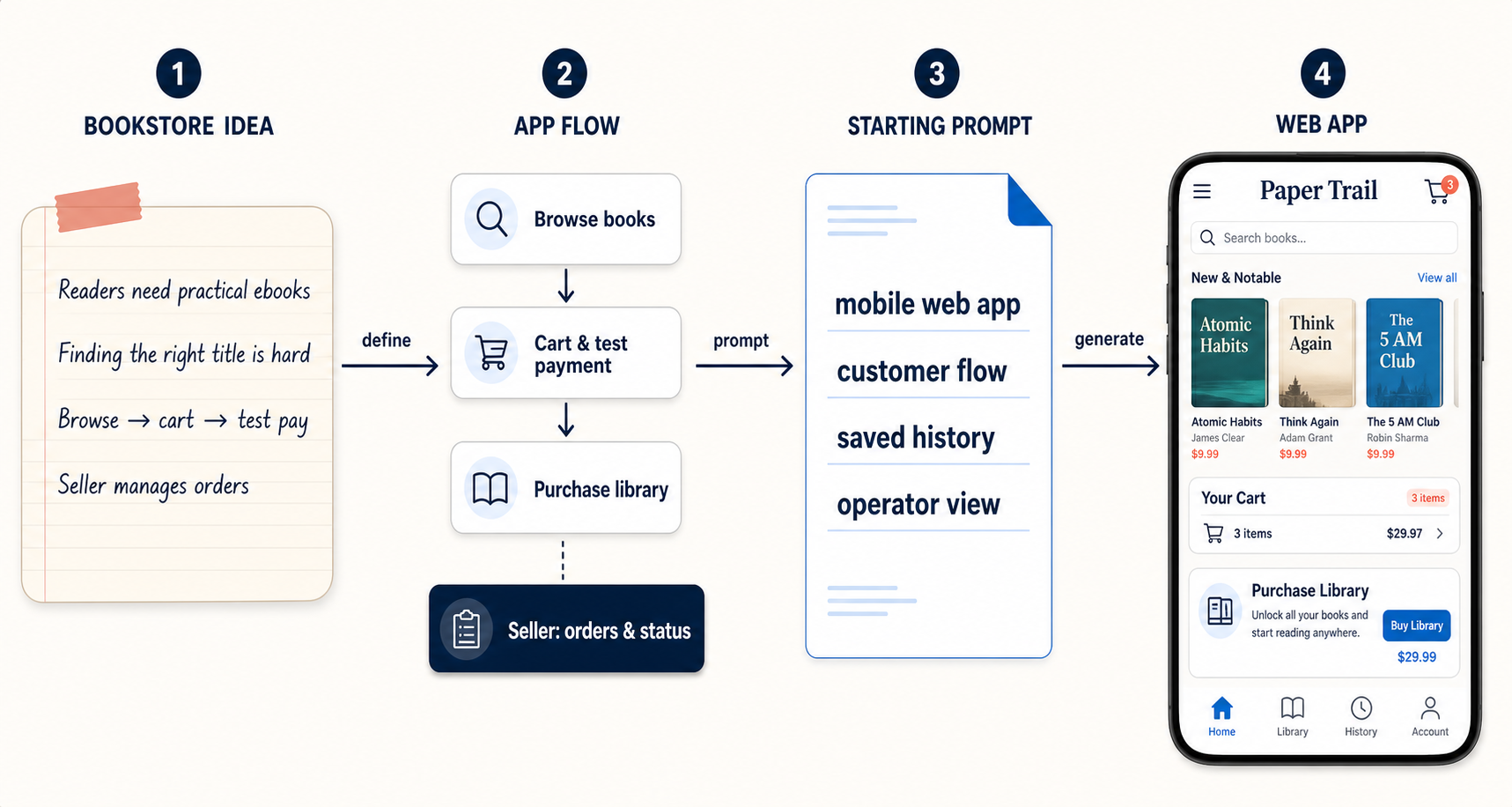
01 · Start with clarity
Tell us about your business, not the technical details.
Turn a customer problem and your first workflow into a useful working draft.
Start with a simple sentence. Keep making the app that already works even better, and get practical help when you need to make an important decision during launch or day-to-day operations.
When a small change affects a working flow, simply trying again is not enough. WindWalker keeps your product, its changes, and the specialists who can help connected in one smooth flow.
01 · Start with clarity
Turn a customer problem and your first workflow into a useful working draft.
02 · Improve with confidence
Review each change, keep the important steps intact, and solve issues before they become bigger problems.
03 · Run with reliable support
Get practical guidance for launch, ongoing improvements, and the work beyond a prototype.
Swipe through working examples, then open one to inspect its customer and operator flow.
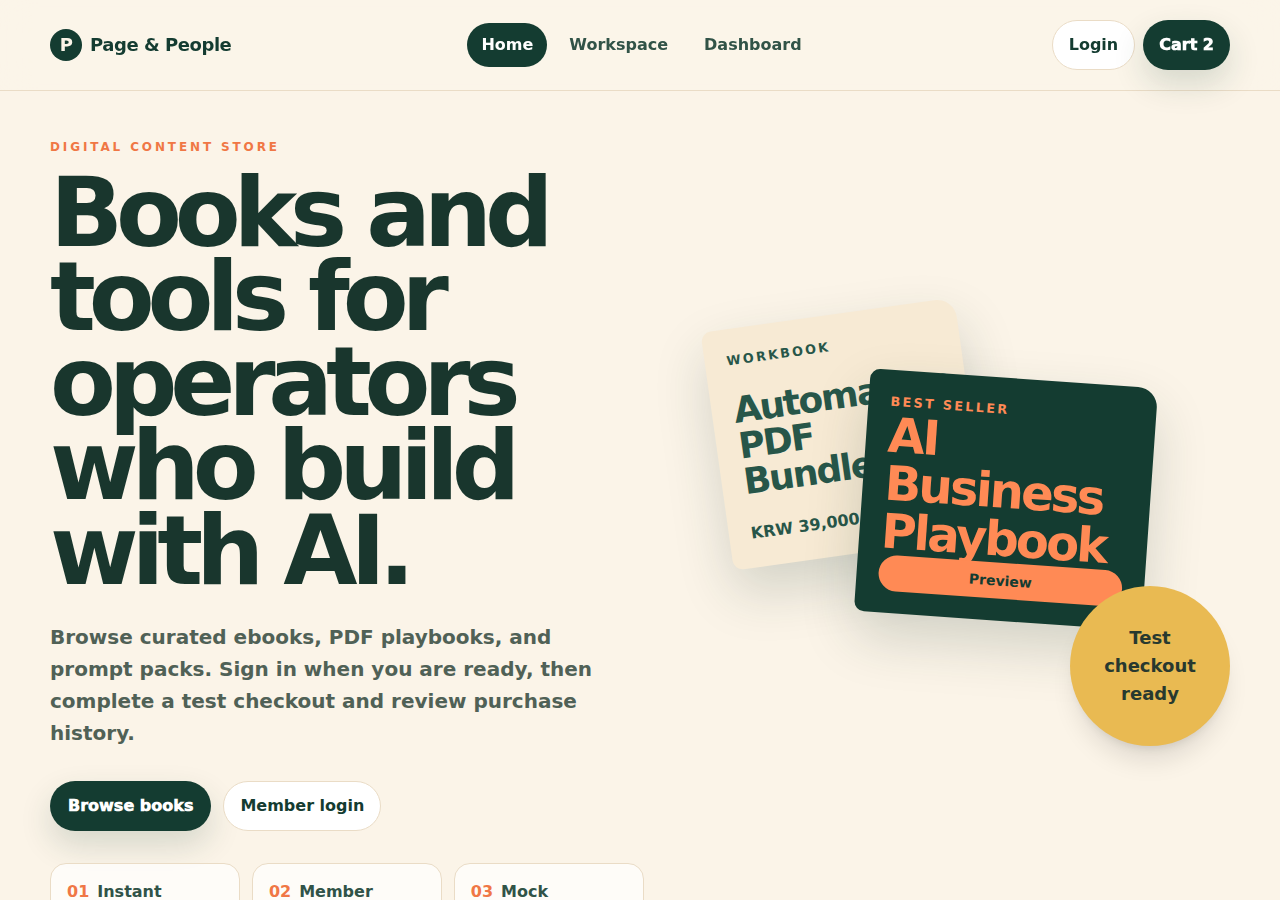
Digital commerce
Browse, cart, test payment, purchase library, and seller operations.
Explore app →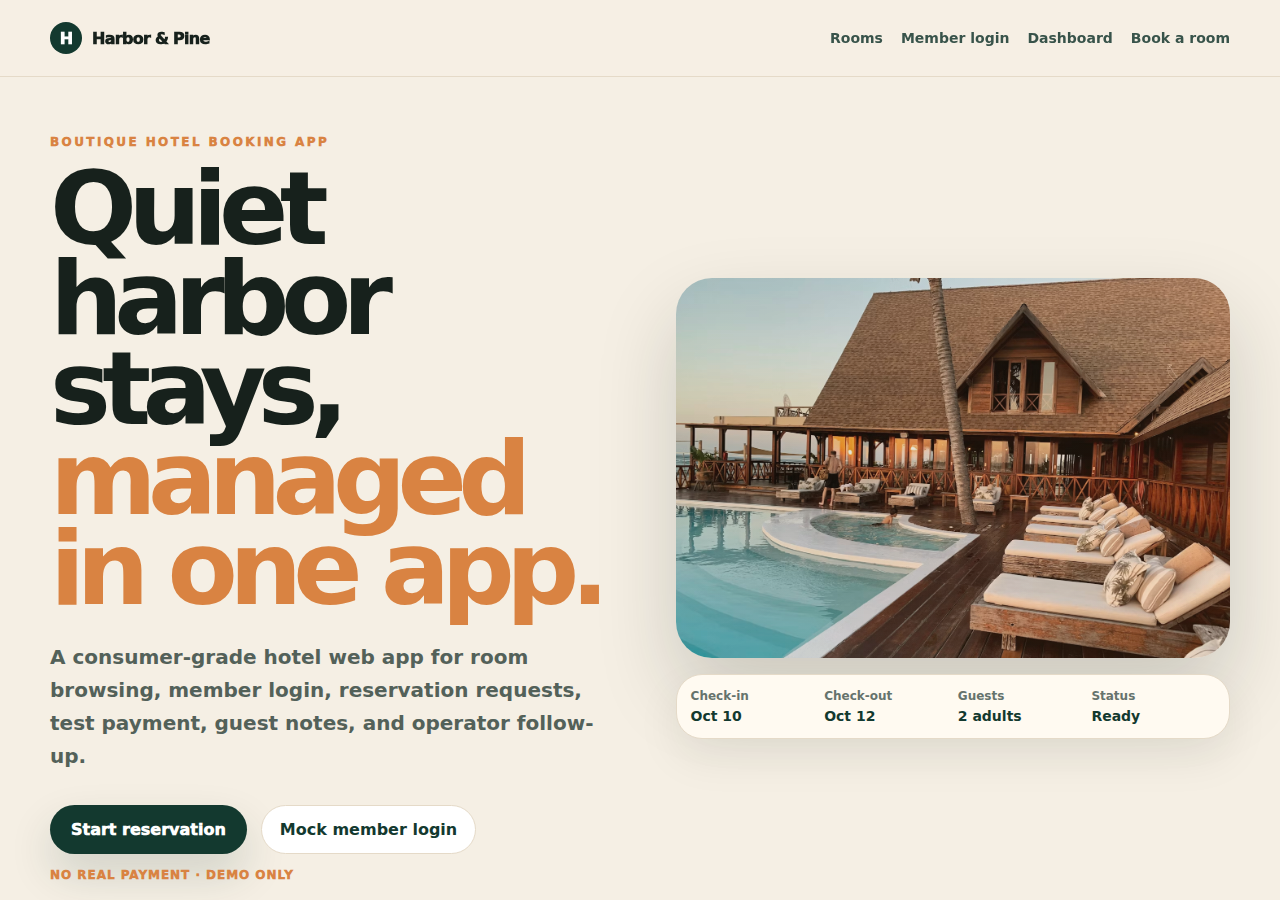
Booking and intake
Request intake, customer status tracking, and an operator handling flow.
Explore app →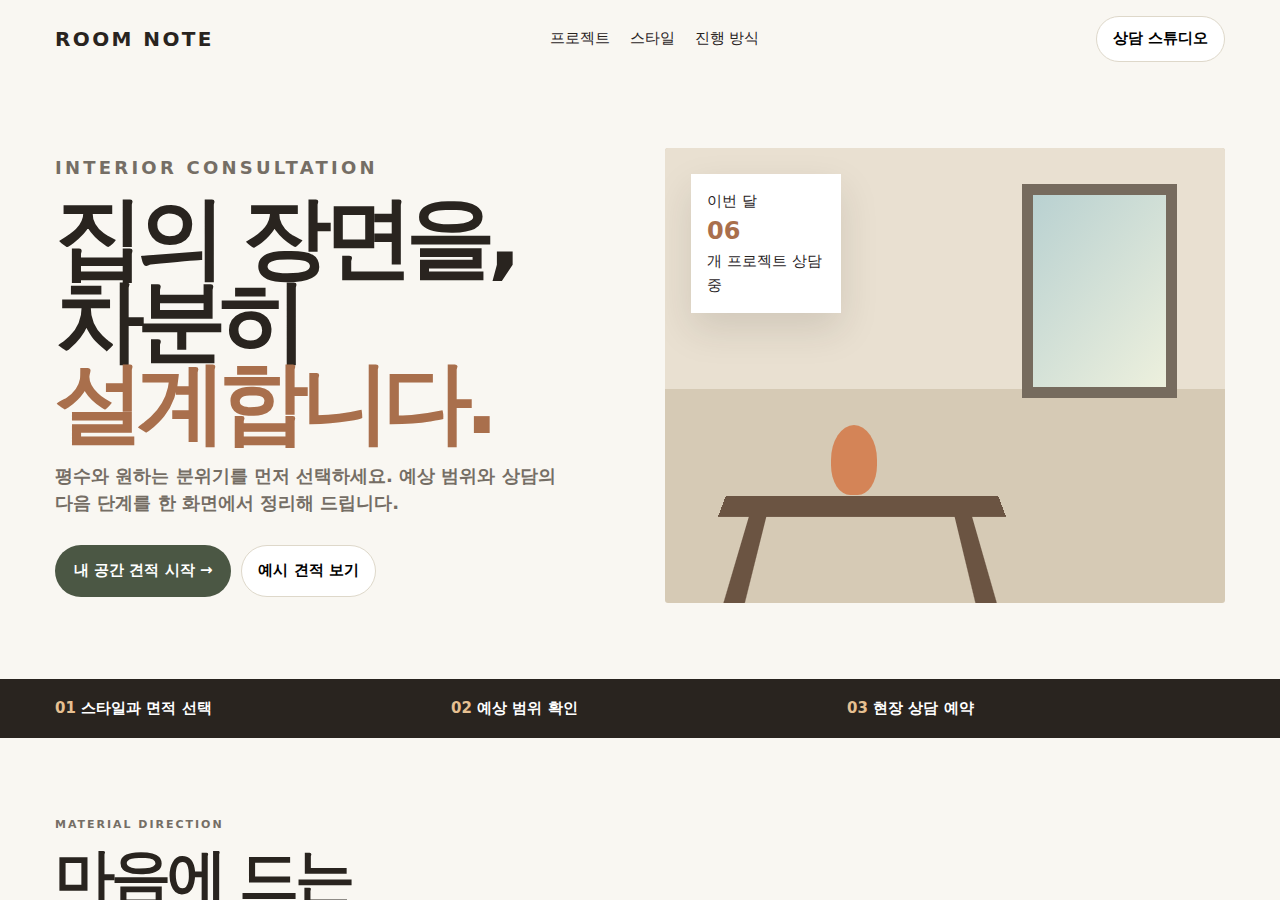
Quote and follow-up
Option selection, estimate calculation, consultation request, and operator follow-up.
Explore app →
Service booking
Service choice, booking, repair status, and operator status changes.
Explore app →
Customer support
Help content, ticket intake, request status, and a priority support queue.
Explore app →Guided hackathon
Define the first customer and workflow, build in conversation, and keep moving with guidance for the details that matter before launch.